Solution · Back office · invoices, waybills, contracts

Documents entered into your systems automatically, not retyped by hand

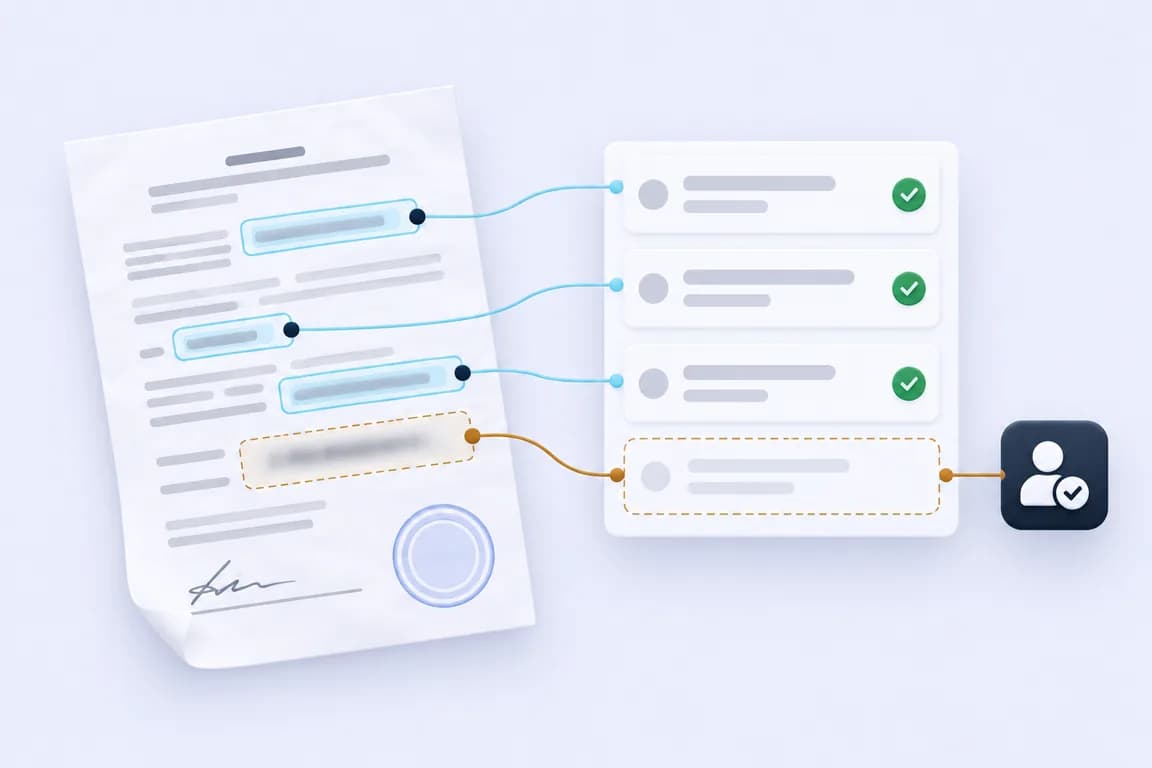
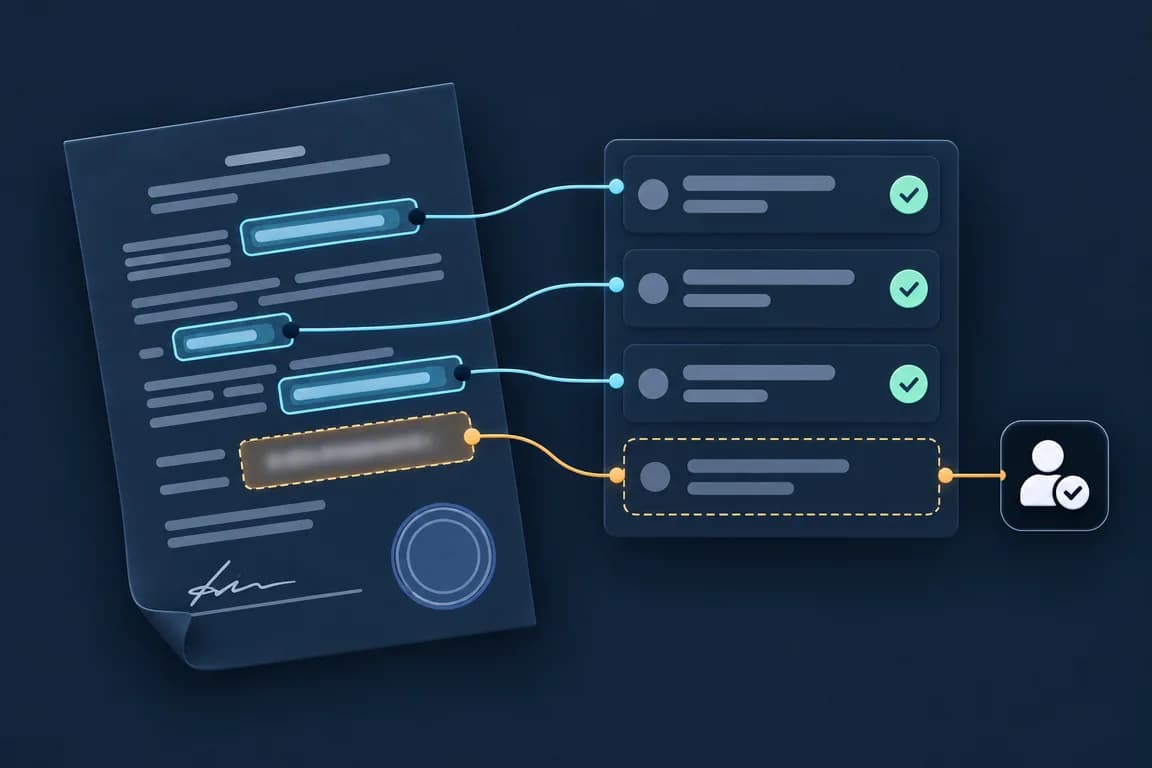
We build this system to order for companies whose back office retypes documents. Ordinary software checks totals, suppliers and orders against clear rules, and AI reads PDFs, scans and emails, understands what each document is, weighs what it found and chooses where the document goes. A document with a field AI cannot read, or one that fails a check, goes to a person

Who works with it

Back-office employee

Enters documents today: accounting, the warehouse, sales support

Gets only the documents that need a person: a field AI cannot read, a duplicate, a total that does not add up. Confirms or corrects them

Head of accounting

Runs the accounting team

Sets the checks and which document types go in automatically. Sees what came in, what went where and why

Sales manager

Works with client orders

Gets a client’s request from an email as a draft order in the CRM, with the items and the date filled in

What comes in

What the system reads, and where it enters the data

MailboxesPDFs and emailsScanner, phonescans and photosERPorders, stockAccountingsuppliersDocument systemearlier documentsThe processingreads, checks, entersRecords and tasksto the ERP, accounting and the CRMAIAIMailboxesPDFs and emailsScanner, phonescans and photosERPorders, stockAccountingsuppliersDocument systemearlier documentsThe processingreads, checks, entersRecords and tasksto the ERP, accounting and the CRMAIAI
Three ways out

The path of one document

New documentPDF, scan or email
AIThe processingrules and AI
  1. Entered automaticallyevery check passed
  2. A person confirmsa field AI cannot reada person decides
  3. Held for a persona check faileda person decides
Example documents

Pick a document and see what the system takes from it

Made-up documents of a company that buys, stores and sells. Their checks stand for the rules your team would set

Pick an example document

A waybill came with a delivery, signed at the warehouse and scanned

  1. Text read: done
  2. Type: done
  3. Fields: AI is unsure of a field
  4. Checks: done
  5. Waiting for a person
A receipt in the warehouse system AI

Type: Waybill

  1. SupplierPaper Goods Co.
  2. Waybill number377
  3. Order numberPO-2240
  4. Received ona person confirmsWritten by hand at the warehouse, and AI cannot read it
Checks Rule
  • PassedKnown supplier: Found in the supplier list
  • PassedThe order exists: PO-2240 is in the ERP
  • PassedQuantities match the order: Cups and lids, 40 boxes each, as ordered
Where the document goes AIA person confirms

AI could not read a field, so a person sees the document beside the record and fills in only that field

a person decides

Software, AI and a person

Who does which part of the work

Software and AI go through every document. A person gets the ones that need one

Rule

Ordinary software

Monotonous work with clear rules

  • Takes each new document from the mailboxes, the scanner and the document system
  • Checks that the lines add up to the total
  • Finds the supplier by its tax ID and the order in the ERP
  • Holds a document entered before: the same number from the same supplier
  • Enters the record into the ERP, accounting or the CRM, with the document attached
AI

AI: understand, weigh and choose

The small decisions on every document

  • Reads the text on scans and phone photos, handwriting too where it is legible
  • Tells what each document is: an invoice, a waybill, a contract or a client’s request
  • Finds the fields where each supplier puts them: the amounts, the dates, the order number
  • Reads a client’s request in an email and turns it into a draft order
  • Chooses the route, and leaves a field it cannot read to a person
a person decides

A person

Every doubtful field and every failed check

  • A back-office employee fills in each field AI cannot read
  • A person decides on each document that failed a check
  • A person adds a new supplier to the list
  • A person approves payments, as before
  • The head of accounting sets the checks and which document types go in automatically
How a project starts

Four stages. After each one, you decide whether to go on

First on documents already entered, then on new ones

  1. Usually firstDiscovery and specification
    In
    The documents you get most often, where they come from and the programs the data goes into
    You get
    A written specification: which document types come first, what the system needs, what it will cost and in what order. The document is yours whether or not we build it
  2. ThenTest on past documents
    In
    Documents your team has already entered, with what they entered
    You get
    What the system would have taken from each, next to what your team entered
  3. ThenPilot on one document type
    In
    New documents of one type you choose: supplier invoices, waybills or client requests
    You get
    The records entered into your system. A person checks each one while the checks are being set
  4. When you decideRollout
    In
    The document types you choose
    You get
    Every new document of those types goes through the processing. Your team changes the checks
Six questions we ask first
  1. How many documents do you process a year? We plan the system and the pilot around it
  2. How long does one document take by hand? The pilot is measured against it
  3. How many people work with documents? We plan who gets the documents that need a person
  4. Which document types come in most often? The pilot starts with one of them
  5. Which ERP or CRM do you use? The records go into it
  6. Do your documents follow standard formats? Where every document looks the same, rules find the fields; where each looks different, AI does
In our cases

A part of this we have built for a client

The same work on vendor invoices, running for a client today

Tell us which documents your team retypes

A 30-minute call. We will say which of your documents the system can take and where a project would start